
Invoice review,
without the manual chase.
Claribo captures invoices from email or upload, extracts the details, runs your checks, and surfaces what needs attention — so your team can move clean invoices forward faster.
From inbox to reviewed invoice.
Invoices arrive by email or upload. Claribo structures the data, runs your controls, and surfaces the exceptions that need attention.
Inbox
Email or upload
Extract
Fields and line items
Check
Your controls
Review
Exceptions only
Export
Structured data
See the invoice.See the data.
Claribo reads the details, the line items and the totals, and keeps every value tied to where on the page it was read from — so a reviewer can check it without hunting through the PDF.
- Source documentThe invoice as it arrived, every field still in place.
- Structured fieldsValues Claribo read, each paired with the region it came from.
Extraction tells you what the invoice says.Claribo checks whether it makes sense.
Run the controls that matter and bring exceptions to the surface, so your team can focus on the invoices that actually need attention.
- Vendor verificationCleared
- Bank accountNeeds review
- Duplicate invoiceCleared
- Line item totalCleared
- Grand totalCleared
The bank account on this invoice is not the one held for the vendor. Confirm the change with the supplier before it moves forward, or reject the invoice.
- Check
- Bank account verification
- On the invoice
- •••• 8820
- Vendor record
- •••• 4931
What else Claribo handles.
Everything from the first email to the exported file. Each area is set up once, around the way your team already reviews invoices.
- IntakeA dedicated inbox, supplier attachments, manual upload.
- ExtractionFields and line items, configured around your team.
- VendorsVendor records and verified bank details.
- CollaborationAssignments, review history, source email.
- ConfigurationFields, checks and categories you control.
- ExportReviewed invoices as Excel, CSV or JSON.
Where invoice review actually goes wrong.
Notes on the failures that survive automation — duplicates, unverified fields, and numbers that were read correctly but still should not be trusted.
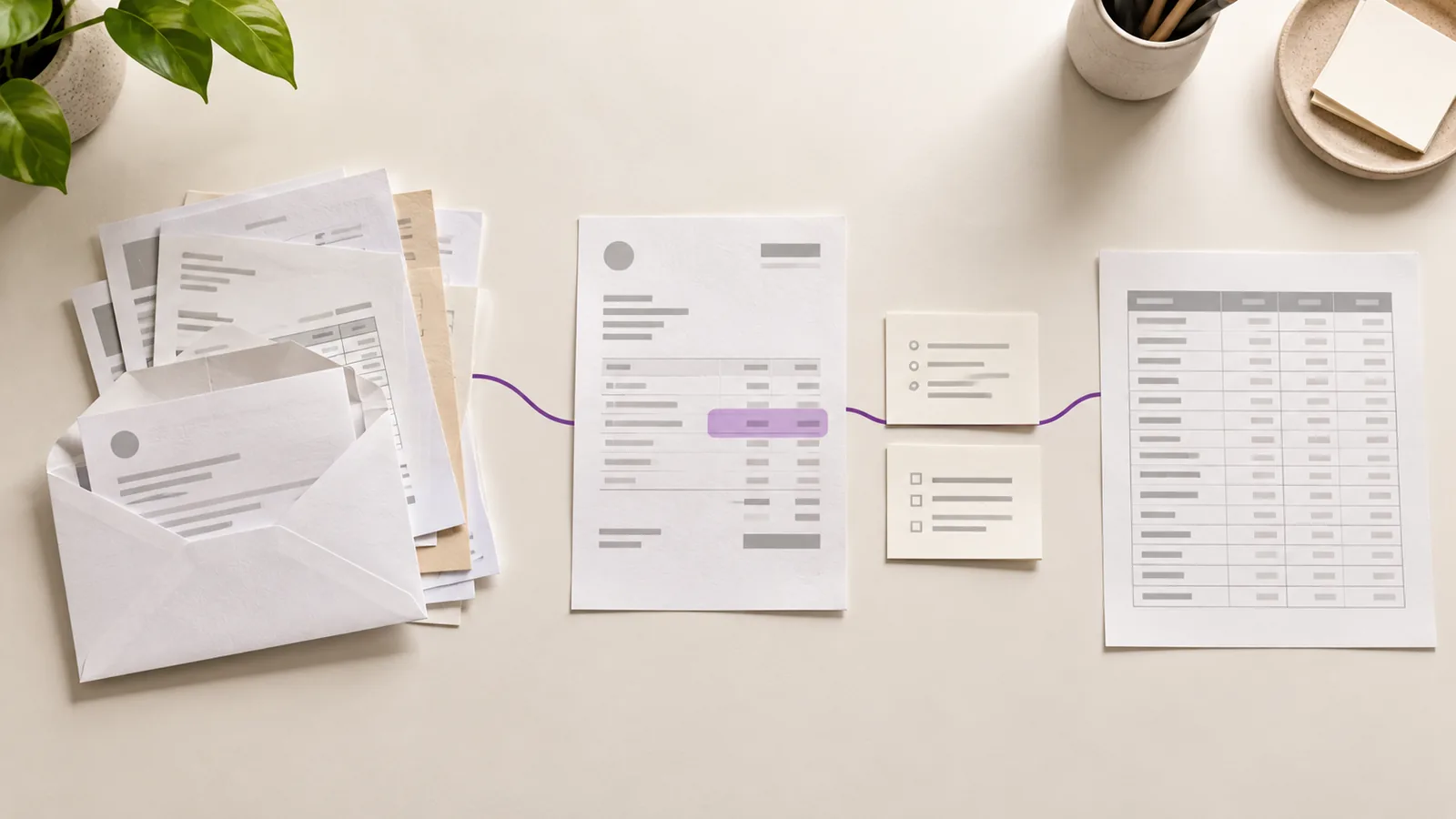
Invoice workflow automation: a practical guide from AP inbox to accounting handoff
Invoice workflow automation moves a supplier invoice from arrival to reviewed handoff. Here are the six stages, what each one answers, and how to test the whole path.
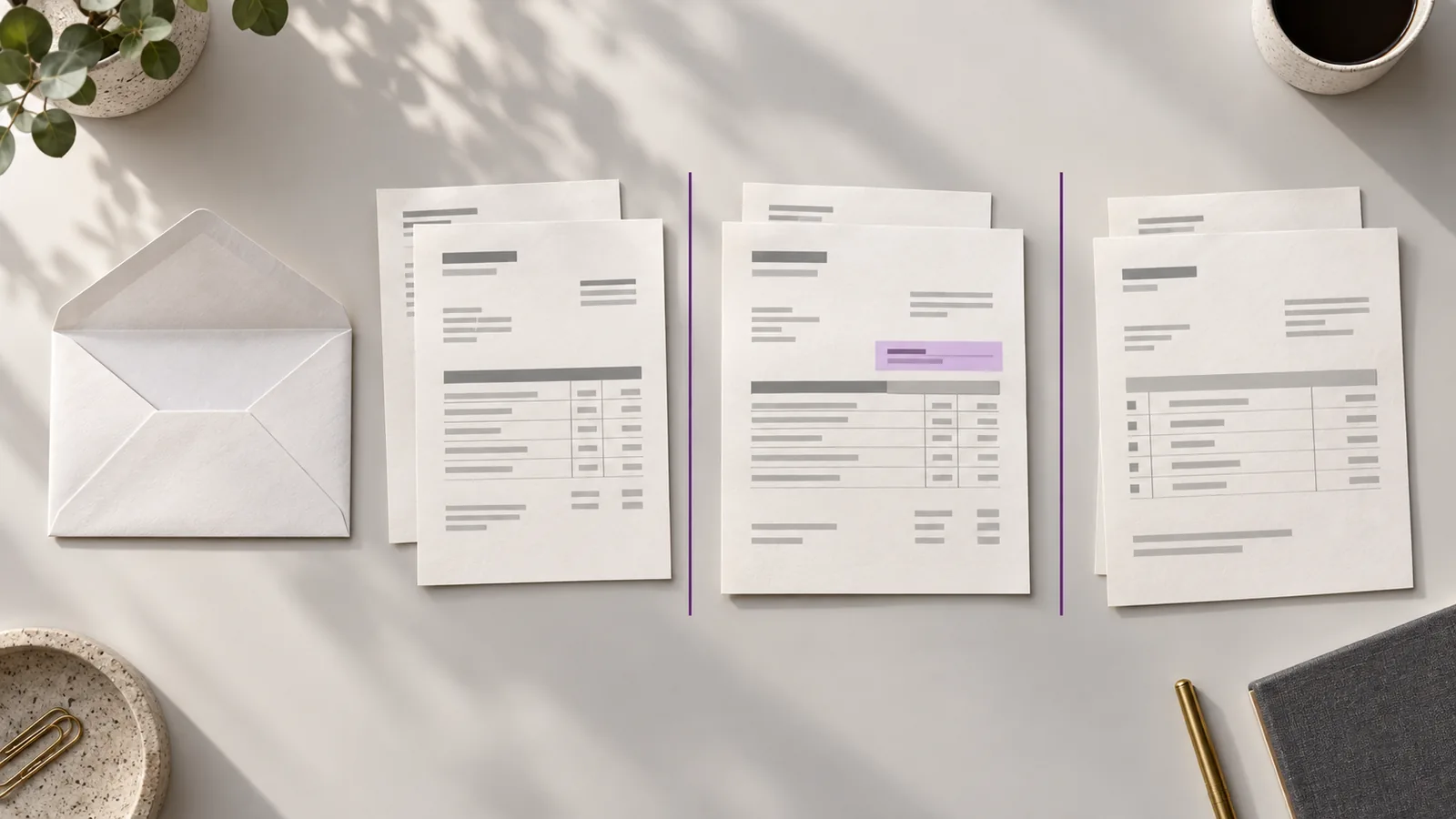
One supplier email, two invoices, six pages: an AP invoice processing workflow that works
A six-page supplier PDF can hold two invoices and a delivery note. Here’s the AP invoice processing workflow that accounts for every page before data entry.
Put your invoices through Claribo.
Spend less time checking every invoice and more time resolving the ones that actually need attention.
Tell us where your invoices land today and we’ll walk the review workflow with you on your own files.